Altalink
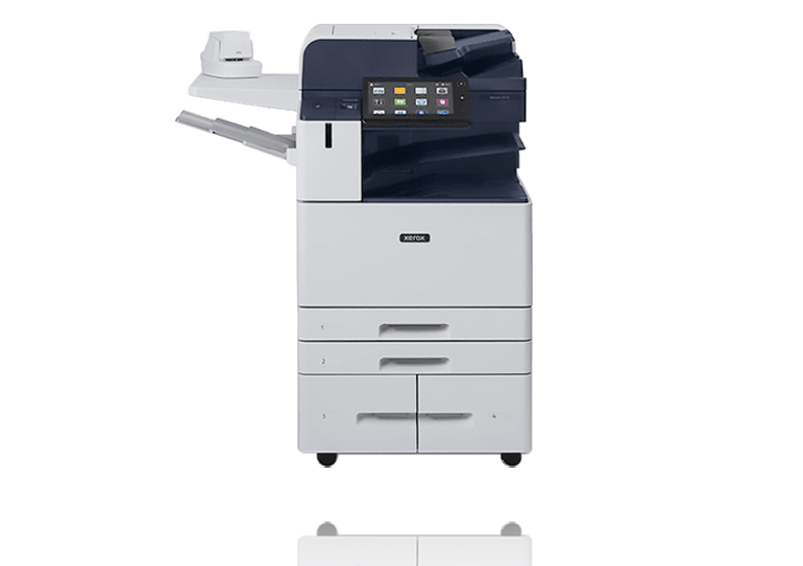
C1420: Xerox AltaLink C8230 Printer
The Xerox AltaLink C8230 is a colour printer located in Building C, room C1420.
Click here for the Altalink video tutorial.
Printing to the AltaLink from your Mac in Adobe Acrobat
- Click "File," then "Print." Or, press ⌘ + P on your keyboard to bring up the print menu.
- Select "AltaLink C8230" from the printer menu.
- Deselect "Choose paper source by PDF size."
- Click "Page Setup" at the bottom.
- Choose the correct printer and paper size and click "OK."
- To access special features and print double sided, click "Printer" at the bottom of the main print screen.
- Turn Double-sided on.
- Under "Printer Options," select "Xerox Features" for extra options if needed.
- Click "OK" and "Print."